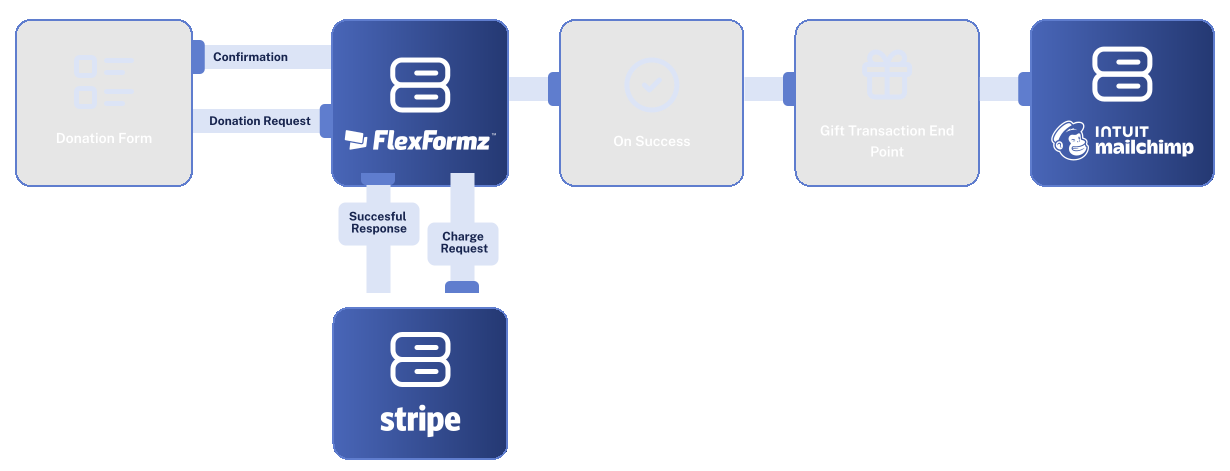
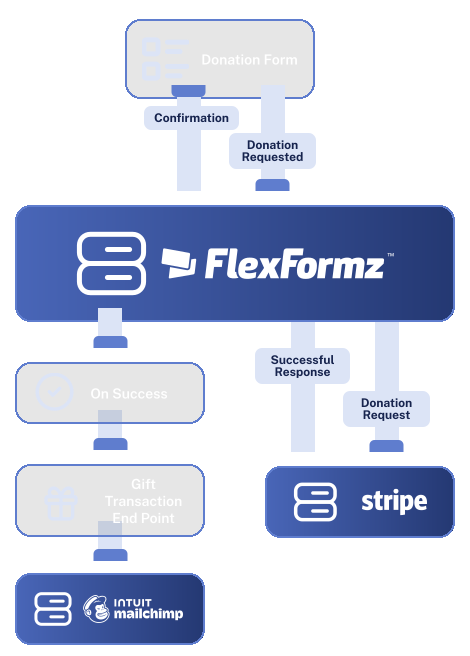
FlexFormz connects with Mailchimp to automatically add or update subscribers in your email audiences the moment a form is submitted. Every donor who gives through FlexFormz can be enrolled in the right list, tagged accurately, and ready for your next campaign, without any manual imports or list management.


FlexFormz connects to Mailchimp via API. The moment a donation is received, FlexFormz checks whether the donor’s email address already exists in your Mailchimp audience. No manual exports, no middleware — just clean, reliable data flowing into your email platform.

When a form is submitted, FlexFormz can assign the contact to a specific Mailchimp audience and apply one or more tags automatically. This allows you to segment donors by campaign, gift type, or any other criteria captured in the form, so your welcome series, thank-you sequences, and re-engagement campaigns always reach the correct audience.

FlexFormz uses email addresses as the matching key when syncing to Mailchimp. If there’s a match, the record is updated rather than duplicated keeping your lists clean and your engagement metrics accurate.
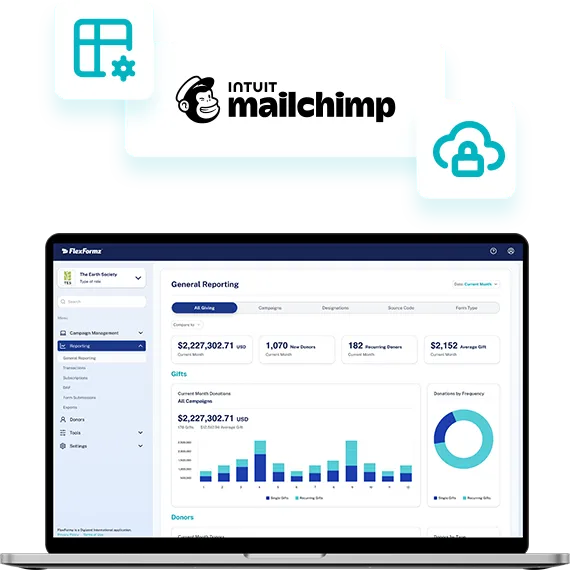

Connecting FlexFormz to Mailchimp takes just a few steps inside your dashboard. No developers, no technical configuration, and no third-party tools needed. Most teams complete the setup in under 15 minutes.
Sometimes you need immediate clarity. Our FAQs provide quick answers to common questions about setup, support, integrations, security and ongoing care.
FlexFormz syncs donor contact information, email address, and any form fields you’ve mapped to Mailchimp merge fields. It also assigns the contact to your chosen audience and sends any tags you’ve configured — automatically at the moment of form submission.
Both. FlexFormz checks for an existing contact using email addresses as the matching key. If a match is found, the existing record is updated. If no match exists, a new subscriber is created in your selected audience. This keeps your lists clean and free of duplicates.
Yes. FlexFormz can apply one or more Mailchimp tags to a contact at the moment of submission. This allows you to segment donors by campaign, gift type, event, or any other criteria.
Yes. FlexFormz sends data to Mailchimp the moment a form is submitted. Contacts are created or updated immediately, so any automated workflows or welcome sequences configured in Mailchimp can trigger without delay.
Our support team is available via email. We also offer a full documentation library and step-by-step guides for the Mailchimp integration.

If you don’t see your questions, our team is always ready to help. Our support team is available to guide you through every step of the integration — from initial setup to advanced field mapping. Whether you prefer, email, or documentation, help is always within reach.










Experience the time-saving power of seamless integrations.
When your technology works together, your mission moves forward.
© 2026 FlexFormz