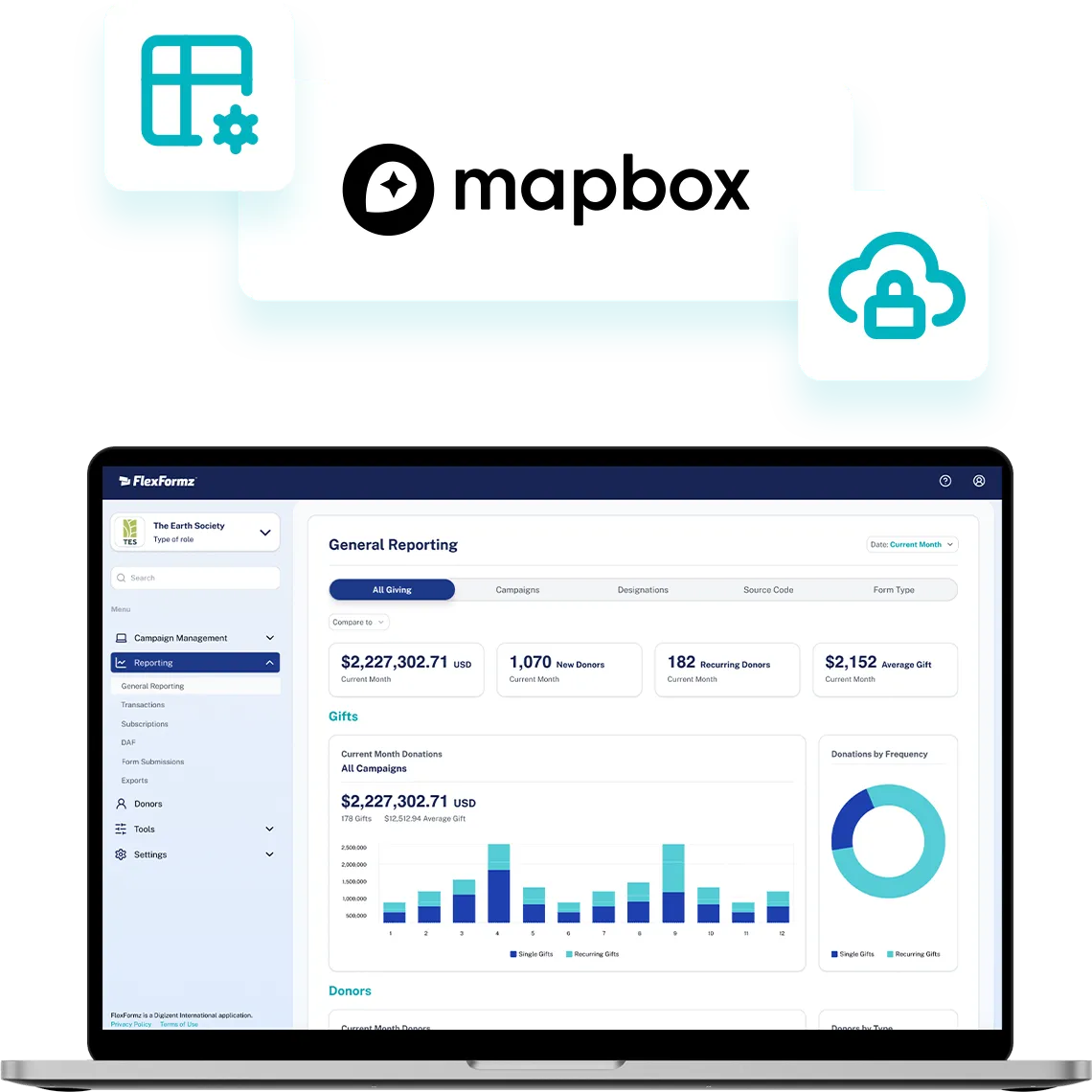
FlexFormz integrates with Mapbox to bring real-time address intelligence to every donation form. Donors find their address in just a few keystrokes, reduce entry errors, and submit with confidence — while your organization receives accurate, location-enriched data from the very first gift.



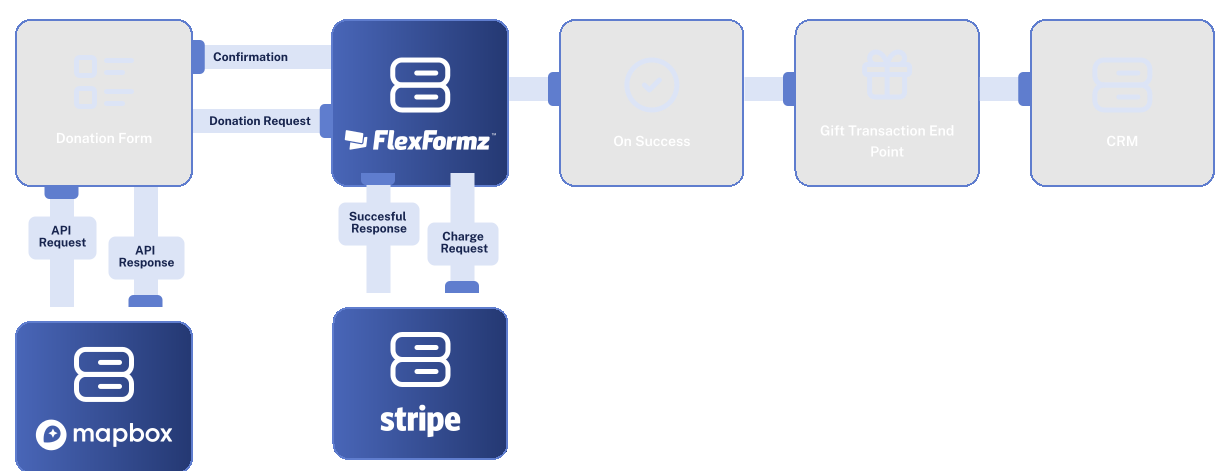
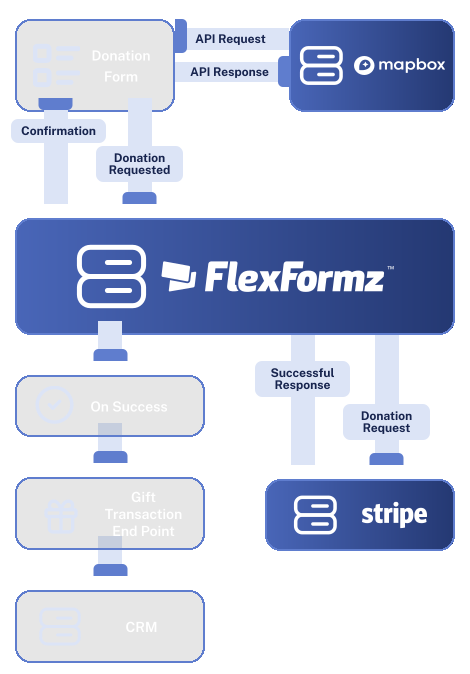
When a donor begins typing their address in FlexFormz, Mapbox’s Address Autofill API responds in real time with a list of suggestions. The donor selects their address, and the individual form fields (street, city, state, ZIP, country) are automatically populated. On average, donors complete the address field in about ten keystrokes instead of the usual thirty-five.

If a donor enters an address manually that does not exactly match a known record, Mapbox prompts them with the closest match. The donor can confirm the corrected version or proceed with their original entry. This catches common typos and formatting errors before they reach your database.

Enabling Mapbox address autofill in FlexFormz takes just a few steps inside your dashboard. No developers, no technical configuration, and no third-party tools needed. Most teams complete the setup in under 10 minutes.
Sometimes you need immediate clarity. Our FAQs provide quick answers to common questions about setup, support, integrations, security and ongoing care.
Mapbox adds real-time address autofill; donors find their address faster and submit with fewer errors while your team receives accurate, location-enriched donor records.
Yes, Mapbox provides address autofill coverage across many countries and territories, including the United States, Canada, the United Kingdom, Australia, and much of Europe. Coverage may vary by region.
If the entered address does not match a known record, Mapbox will display the closest match. The donor can confirm the corrected address or proceed with their original entry. This catches common errors before they reach your database.
No. Mapbox’s autofill API is built for speed and responds in real time as donors type. The experience is seamless and doesn’t add any noticeable delays to the form.
Most teams are fully set up in under 15 minutes. No coding or developer support is required, just follow the step-by-step setup guide in our documentation.
Our support team is available via email. We also offer a full documentation library and step-by-step guides for the Mapbox integration.

If you don’t see your questions, our team is always ready to help. Our support team is available to guide you through every step of the integration — from initial setup to advanced field mapping. Whether you prefer, email, or documentation, help is always within reach.










Experience the time-saving power of seamless integrations.
When your technology works together, your mission moves forward.
© 2026 FlexFormz